Logo Grid Generator
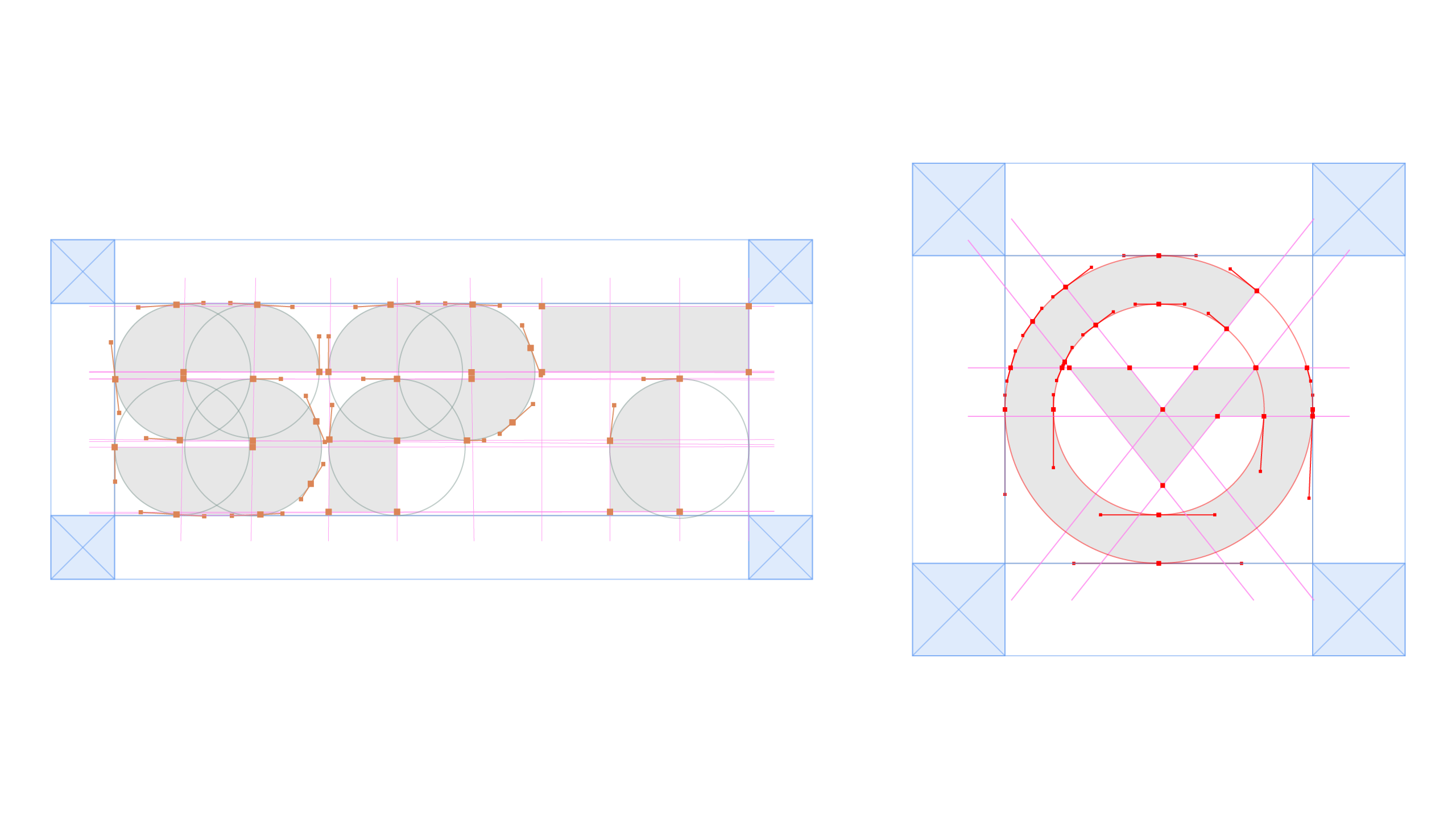
Generate professional construction grids from selected vector artwork.

Select your vector logo and let GRIDVECTA build professional construction elements directly inside Illustrator.
Turn raster logos and artwork into clean, editable vector paths with intelligent geometry reconstruction and precise contour recovery.

Generate professional construction grids from selected vector artwork.
Detect geometric construction circles, arcs and small rounded terminals.
Create visual X-based clear-space construction around your logo.
Build advanced layout and geometric grid systems directly inside Illustrator.
Control construction colors, stroke weight, opacity and individual grid elements.
Generate construction elements while keeping your original artwork protected.
Select your vector logo in Adobe Illustrator.
Choose your construction settings and generate the grid.
Use the generated construction to present your logo professionally.
Choose your operating system, download the portable package, then copy GRIDVECTA to your Adobe CEP Extensions folder. No setup installer required.
Download, extract and copy the GRIDVECTA extension directly to your Adobe CEP Extensions folder.
Download, extract and copy the GRIDVECTA extension directly to your Adobe CEP Extensions folder.
After extracting the ZIP, copy the com.logogrid.generator.panel folder to the location shown above, then restart Adobe Illustrator.
GRIDVECTA v1.1.0 • Free • Adobe Illustrator